
Choose by where your players are
| Setup | Start here | Before the rally |
|---|---|---|
| You want solo practice | Offline play against bots | Pick a small side and focus on one contact |
| Friends are on separate internet connections | Online lobby | Update to the same Steam version and agree on a host |
| Players have separate PCs on the same network | LAN | Choose the LAN mode on each machine and join the host |
| Players share a single PC | Shared or split-screen | Check that the game sees each intended input device before starting |
| A host wants to invite a remote friend to its local session | Steam Remote Play Together | The host starts the game, then invites the friend via Steam’s overlay |
Steam's Remote Play instructions explain the host/invite flow. The store lists several local and network features. Exact local player limits and per-device controls are not established by the storefront.
Pick a size and court setup
- 1v1 gives you repeated practice on your own aims and returns. 2v2 makes every setup decision visible because your next touch usually depends on one teammate.
- 3v3 to 6v6 add more players to cover the court. Decide who takes the second touch and who backs up the hitter before the serve.
- In custom lobbies, the release announcement confirms options for CPU Fill, player collisions, ball indicators, and other modifiers. Review what the host selected before expecting bots or indicators to appear.
- The full release announcement adds Nationals Arena, Clouds, Space, and variations such as grass at night. Start by checking the host’s available court choices in their current build.
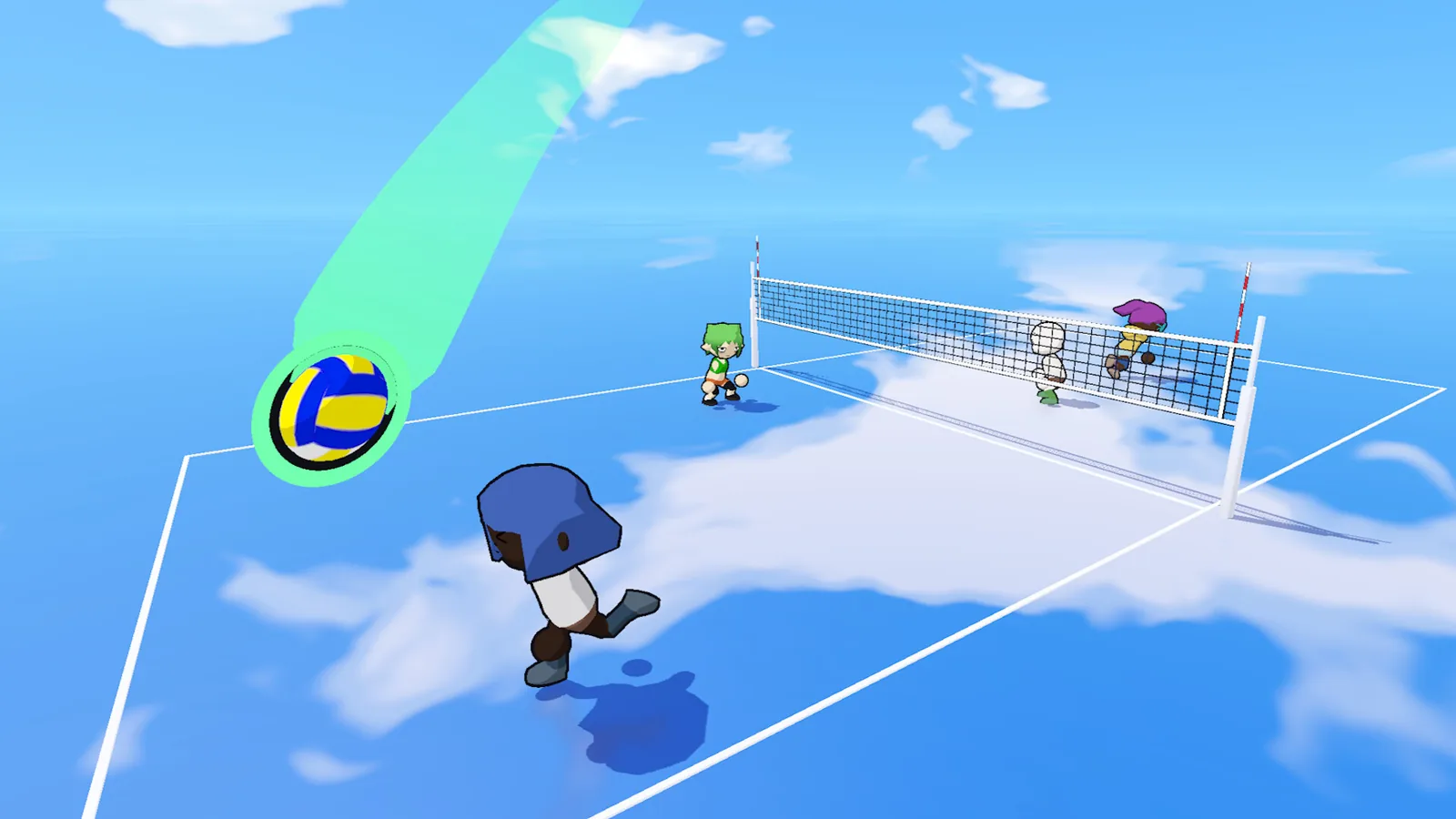

If your controller does not join a local session, check controller setup before switching modes.
Sources & verification
- Steam feature list and supported sizes 2026-11-19
- Official full release lobby modifiers and courts 2026-11-19
- Valve Remote Play Together guide 2026-11-19